 Kerim Koç
Choosing a domain name for your website is one of the most important decisions you will make. This is because all the good domain names have already been taken and are being used by someone else.
Finding a domain name that is available and easy to remember will therefore be one of the many challenges you face when running a website online.
Before you try to come up with a domain name that sounds good and is easy to remember, use these bullet points to help you:
- Easy to say and spell. Successful websites have domain names that are easy to remember. If you can find something that is memorable, short and also available, register it.
- Use .com, .org or .net. as the domain extension. If you are building an online business, you will probably want to go with the .com extension. After all, you want people to be able to remember it. .org and .net are also good alternatives.
For the sake of time, we will use example.com .
The example domain name is for testing purposes only and cannot be used or registered by anyone.
If you think you have found the perfect domain name, go to Google Domains to check whether it is available.
For this post, our domain name registrar will be Google Domains . To make a domain your own, you need to register a domain name. There are many domain registrars, but let's get straight to Google Domains without wasting time.
Google Domains – Register Your Domain Name
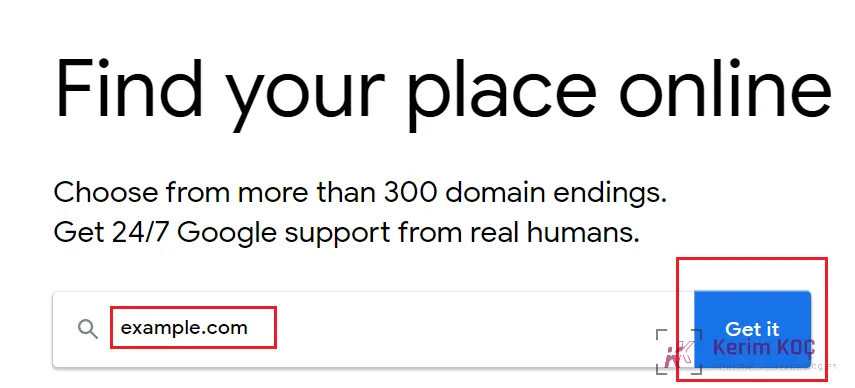
On the Google Domains page, type your domain name into the search box and click the Get button. If the domain name is available, Google lets you register it.
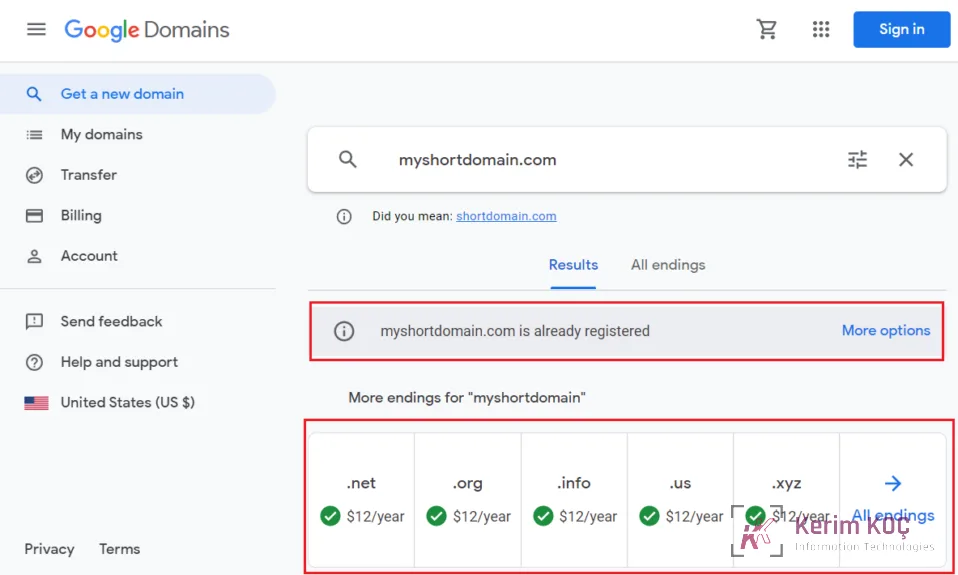
If there is no domain name available to register, Google shows you a message that the domain is already registered and offers you optional domain extensions with the same name.
You can use .net , .org etc. instead.
Sometimes you have to keep trying until you find the right name that is available, and then you can register.
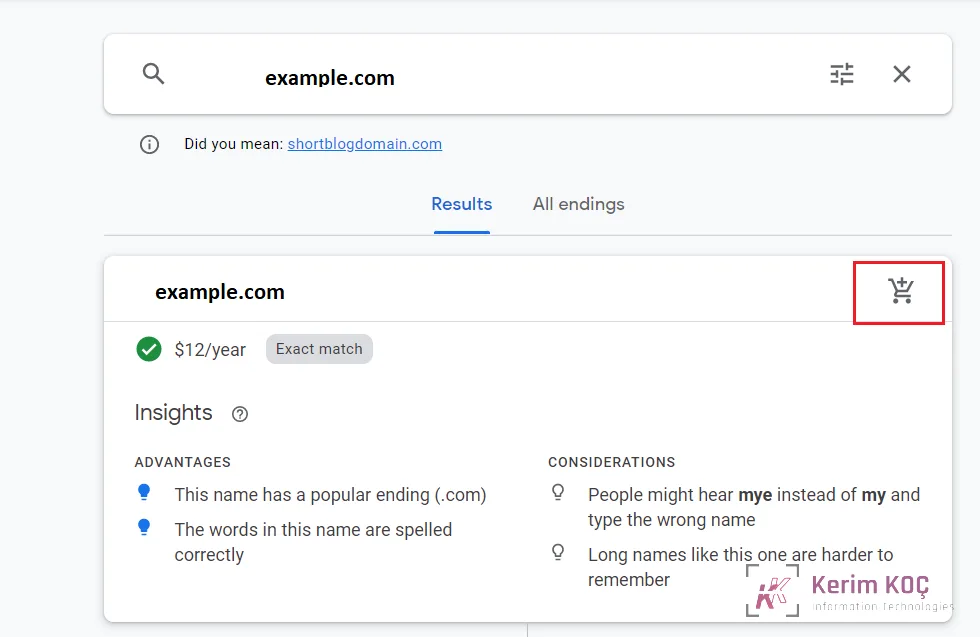
To buy the available domain name, you can add it to your cart.
Go to the shopping cart and fill in the payment form to start purchasing the domain name. Domain names registered with Google usually cost 12 US dollars per year.
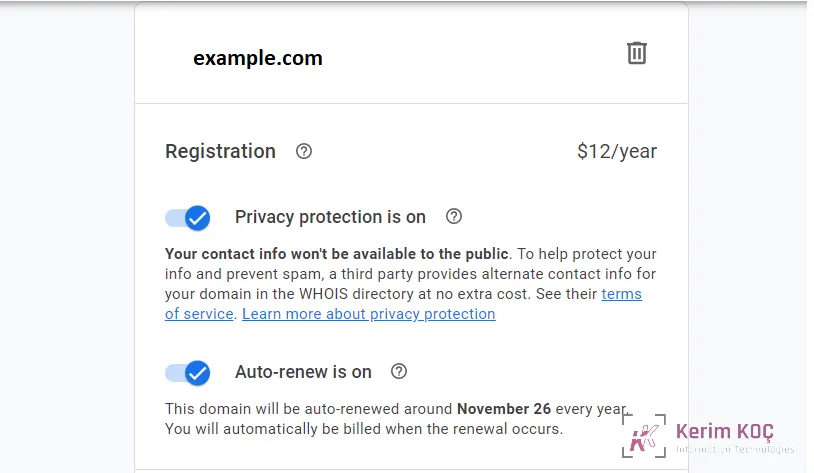
If Google Domains is going to be your domain registrar, it makes sense to have a Gmail account. If you already have one, sign in and complete the domain payment.
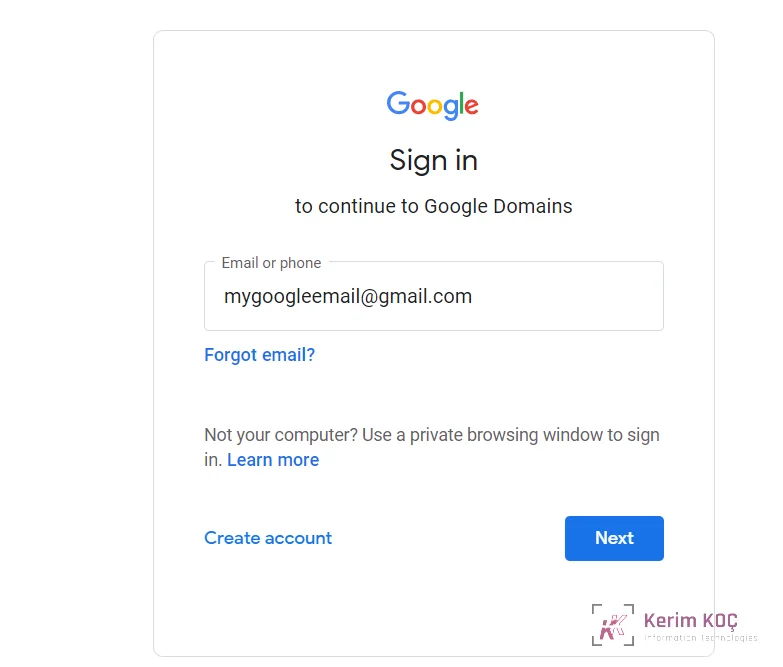
After you pay for the domain name, you will own that domain. Google is your domain registrar, and you can manage it from the Google Domains website .
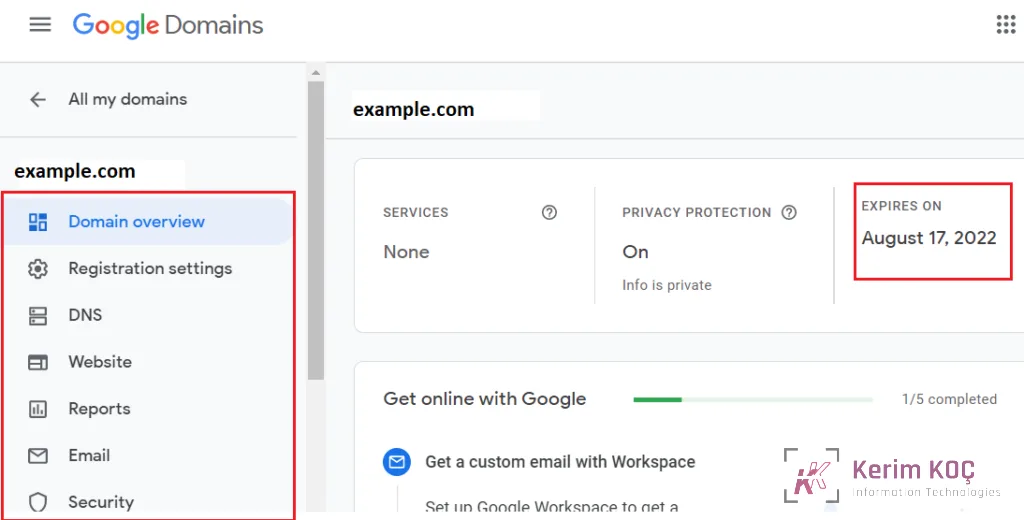
After signing in, you will see the domain name you registered. Click the domain name to manage it.
On the domain overview page, you will find your domain's details, including the expiration date, privacy protection status and others.
That is all for now. You have registered a domain that you can use online.
However, because your domain name does not point to any server or host, if you type it into your browser, it will show nothing except that it is hosted on Google Domains.
Until you point your domain name to your server, it does nothing.