 Kerim Koç

Chromium is an open-source web browser project that aims to build a safer, faster and more stable way for its users to enjoy a better web experience.
Chromium is completely safe to use. Make sure you download it from a good source or from the official Google download page. Also make sure you update it regularly.
This tutorial will help you install the Chromium web browser on Ubuntu 20.04.
Install Chromium on Ubuntu
Most modern operating systems have the Chromium browser in their default package repositories. Chromium is also available as a Snap package for installation.
Choose one of the following methods to install Chromium on your Ubuntu system.
- Install Chromium using a Snap packageA Snap package is a containerized software package that provides an easy installation method. You can install the Snap package from the command line or by using the Ubuntu Software application.Open a terminal on your system and type
sudo snap install chromium - All done. The Chromium web browser is now installed on your Ubuntu desktop. The Snap package will also update itself automatically in the background.
- Install Chromium using the Debian packageThe Chromium Debian package is available in the default apt repositories.Use the following commands to update the apt cache and install the Chromium package.
sudo apt update
sudo apt install chromium-browser
Launch Chromium Browser
Open the Applications menu and search for Chromium. You will see the Chromium browser launcher, which looks similar to Chrome but in a different color, as in the screenshot below:

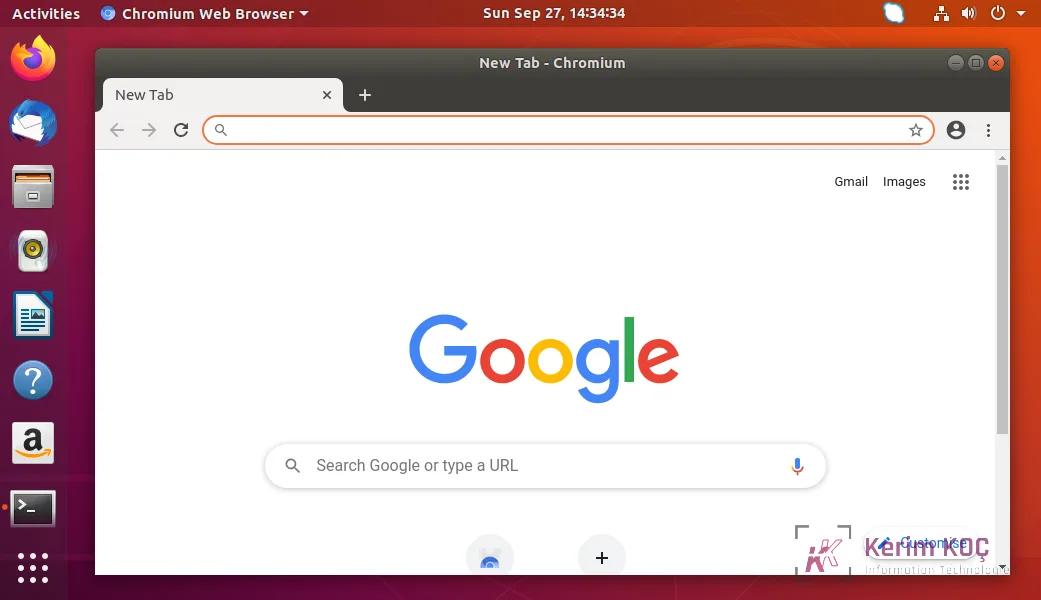
Click the Chromium icon to launch the browser:
Conclusion
In this tutorial, you learned how to install Chromium on an Ubuntu 20.04 Linux system.


